AI Video Generators in 2026: The Best Guide to Choosing One
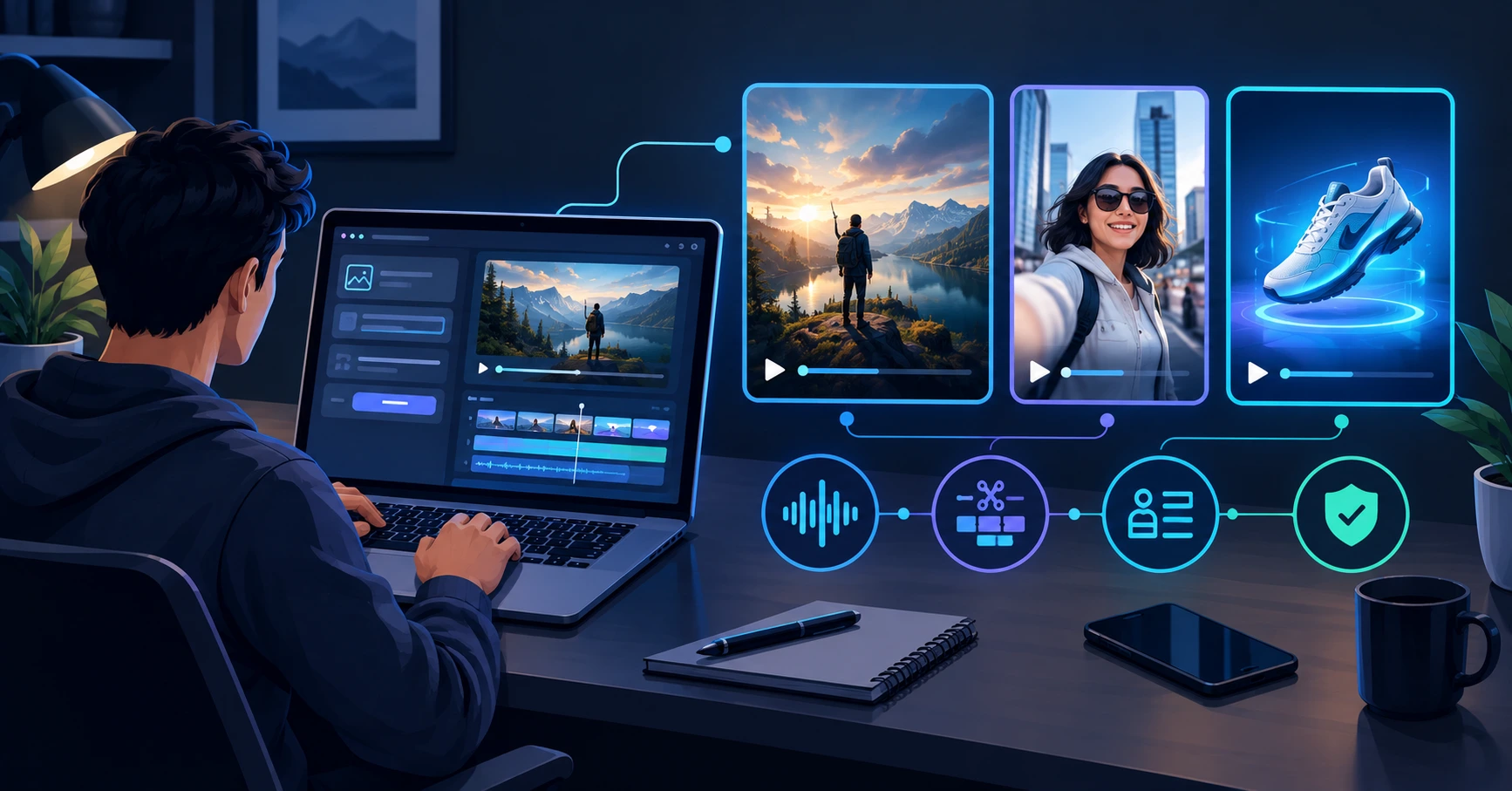
AI video generators can turn a text prompt or image into a short video, but they do not replace editing, planning, or judgment. The right tool depends on whether you need realistic motion, native audio, creative control, low-cost volume, or commercial-use clarity.
For most creators, Google Veo 3.1 is the strongest option for realistic clips with synchronized audio, Runway is best for editing and creative control, Kling is the value choice for motion-heavy short videos, and Pika is a simple entry point for social-style clips. Adobe Firefly is the safest choice if commercial-use clarity is your priority.runwayml+3
Why AI Video Generators Matter in 2026
AI video generators can create short clips from text, images, or existing footage. They are useful for social-media hooks, product concepts, b-roll, animated scenes, storyboards, and quick creative tests. They are not yet a complete replacement for a camera crew, actor, editor, or full production workflow.
The biggest change is that some models now generate audio with the video. Google’s Veo 3.1 can create video with native audio, while Runway includes music, voice, and sound-effect generation as part of its creative tools. That makes these tools more useful for short-form content, but it also makes credit use and licensing more important.runwayml+1
The overlooked issue is cost per usable clip. A low monthly subscription may look cheap, but credits can disappear quickly if you generate several takes, use higher resolution, add audio, or create longer clips. The right plan depends on how many usable seconds you need—not how many generations a tool advertises.
The Honest Truth About AI Video Generators
No AI video generator produces a polished, publish-ready video from one prompt every time. You may need several generations to get usable motion, consistent characters, correct hands, readable text, or the exact camera movement you want.
The honest truth is that these tools work best as part of a workflow: generate short clips, select the best takes, edit them together, add narration or music if needed, and check the result before publishing. A 10-second AI clip can be useful; a 60-second video made entirely from unedited AI clips often looks repetitive and unpolished.
Also check licensing before using output commercially. Adobe says videos generated with its Firefly Video Model are designed to be safe for commercial use because the model is trained on licensed and public-domain content. Adobe also notes that partner models may have different usage terms.adobe+1
Best AI Video Generators to Consider
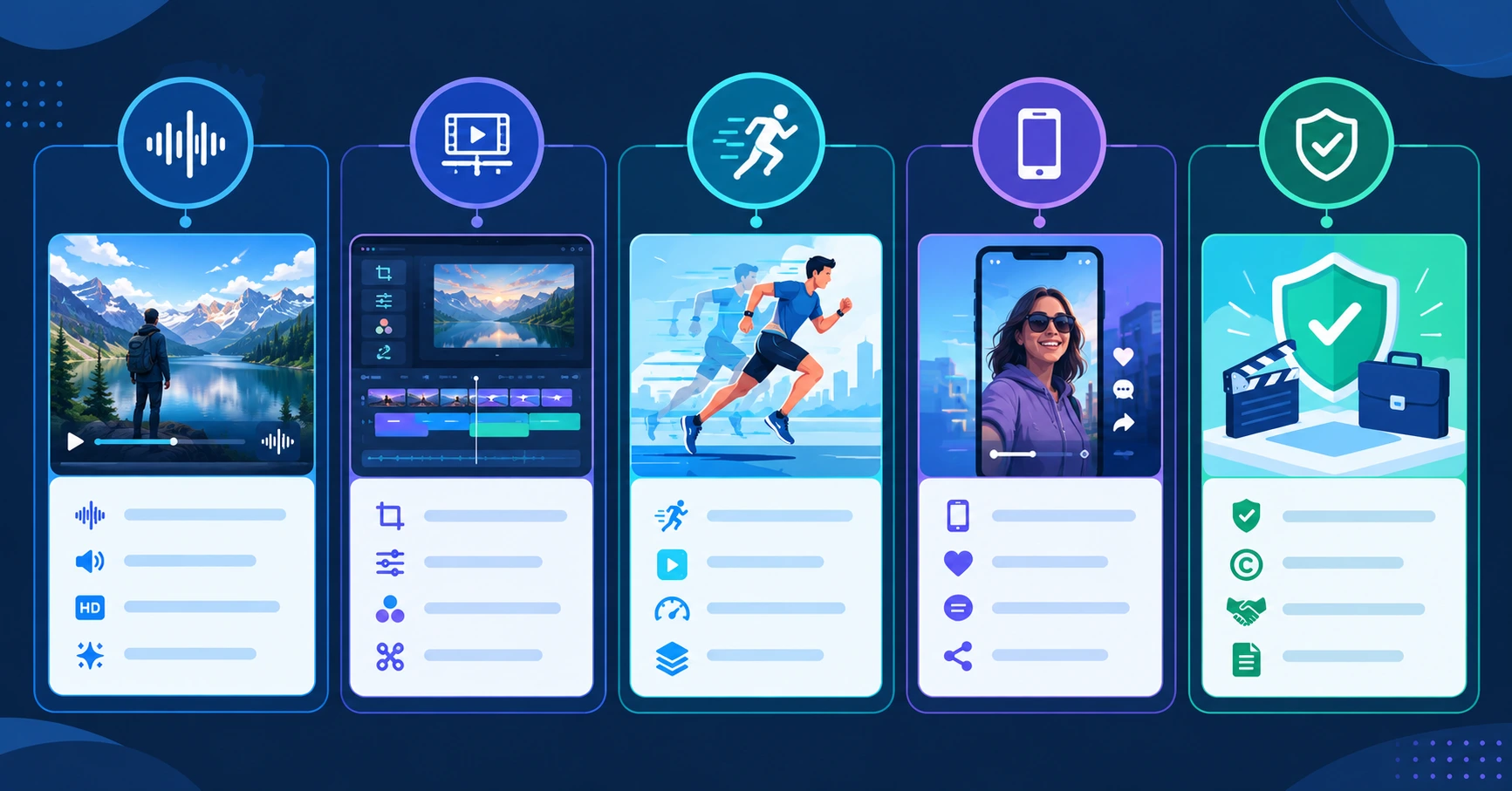
Prices and credit systems change often. Confirm the current plan, included credits, output limits, watermark policy, and commercial-use terms on each provider’s official page before subscribing.
Google Veo 3.1: Best for Realistic Clips With Audio
Veo 3.1 is the strongest choice if you want realistic-looking clips with synchronized sound. Google’s Flow page says Veo provides expanded creative controls, native audio, and strong physics, realism, and prompt adherence.flow.google
Google AI Pro costs $19.99 per month and includes 50 daily Flow credits plus 1,000 monthly Flow credits. Google AI Ultra starts at $99.99 per month and includes 10,000 monthly Flow credits, 4K image and video upscaling, and higher access limits.flow.google
Veo is best when audio matters—dialogue, ambient sound, or a complete short scene generated in one pass. It is less ideal if you need a large number of clips at the lowest possible cost.
The honest caveat: Google’s credit system can make high-quality generations expensive. A plan with “1,000 credits” does not mean 1,000 finished videos; the number of usable clips depends on the model, duration, resolution, and audio settings.
Runway: Best for Creative Control and Editing
Runway is the better choice if you want to generate clips and then refine them. Its platform includes text-to-video, image-to-video, editing tools, music, voice, and sound effects. Runway says its Standard plan includes 625 monthly credits, no watermarks, 4K upscaling, and access to all AI video and image models.runwayml
Runway’s free plan includes 125 one-time credits and 5GB of asset storage. Its Standard plan costs $12 per month billed annually, Pro costs $28 per month billed annually, and Max costs $76 per month billed annually.runwayml
Runway says Gen-4.5 uses 12 credits per second of generated video. That means the Standard plan’s 625 monthly credits equal about 52 seconds of Gen-4.5 output before you need more credits.runwayml
The honest caveat: Runway’s flexibility can make it expensive for high-volume work. If you need dozens of clips each month, estimate the credits required for your preferred model and resolution before subscribing.
Kling AI: Best Value for Motion-Heavy Video
Kling AI is a strong option if you want realistic motion, camera movement, and short cinematic clips without paying Veo-level prices. Its platform supports video generation and includes models designed for multimodal instructions, audio-visual alignment, and multi-shot creation.klingai
Kling’s free tier provides daily credits, while paid plans start below $10 per month in several current listings. That makes it one of the more accessible paid options for creators testing AI video regularly.resources.rework+1
Kling is especially useful for short social videos, action scenes, character movement, and stylized clips. Its strengths are motion and value rather than a full professional editing suite.
The honest caveat: Kling’s credit consumption can rise sharply at higher quality or longer durations. A cheap entry plan may work for testing, but regular 1080p or 4K production may require a higher tier.
Pika: Best Simple Option for Social Clips
Pika is a good choice if you want to create short, playful clips quickly. Its interface is simple, and it supports creative effects and transformations that work well for social media.resources.rework+1
Pika’s official pricing page lists a Free plan, Starter at $10 per month, Creator at $35 per month, and Fancy from $95 per month. The Creator plan includes a commercial license, while Free and Starter do not.pika
Pika’s Starter plan removes watermarks but does not include a commercial license. If you plan to use clips in client work, ads, or monetized content, choose the Creator plan or another tool with clear commercial rights.pika
The honest caveat: Pika is best for short experiments and social content, not long-form storytelling. Its credit packs and plan limits can add up if you generate many takes.
Adobe Firefly: Best for Commercial-Use Clarity
Adobe Firefly is the safest choice if commercial-use rights are your biggest concern. Adobe says its Firefly Video Model is trained on licensed content and public-domain material, and that outputs from Adobe Firefly AI models are safe for commercial use.adobe+1
Firefly’s Standard plan costs $9.99 per month and includes 2,000 generative credits. Adobe says those credits can generate up to 40 five-second videos with partner models or up to 80 five-second videos with the Firefly Video Model.adobe+1
Adobe also integrates partner models from Google, Runway, Luma, and OpenAI. That can be useful if you want to test several models without leaving one workflow, but Adobe explicitly says partner models may have different usage terms.adobe+1
The honest caveat: Firefly is not automatically the best choice for the most cinematic output. Its main advantage is commercial-use clarity and integration with Adobe’s creative tools—not necessarily the highest-quality video in every test.
Hailuo: Best for Trying Multiple Models
Hailuo is useful if you want to experiment with several AI video models without subscribing to separate platforms. Current listings describe it as bundling its own models with access to other major models on paid plans.resources.rework+1
MiniMax’s official API pricing shows Hailuo models priced per finished video or per second, depending on the model. For example, MiniMax-Hailuo-2.3-Fast is listed at $0.19 for a 768p, six-second video and $0.33 for a 1080p, six-second video.platform.minimax
Hailuo can be a practical testing ground if you want to compare output styles before committing to one platform. But its credit use can rise quickly at higher resolutions.
The honest caveat: do not choose Hailuo only because it bundles several models. If you already know you prefer Veo, Runway, or Kling, subscribing directly to the platform you use most may be simpler and more predictable.
How to Choose an AI Video Generator
Start with the type of video you want to make. A social-media hook, product concept, cinematic scene, and client advertisement do not need the same tool.
-
Define the output: vertical social clip, YouTube b-roll, ad concept, or animated scene.
-
Decide whether you need native audio, voiceover, or separate editing.
-
Estimate how many usable seconds you need each month.
-
Check whether the output can be used commercially.
-
Compare credits, resolution, duration, watermark policy, and generation speed.
-
Test the same prompt on two or three tools.
-
Calculate the cost per usable clip—not per generation.
-
Choose the tool that gives the best result within your real budget.
A practical test is to create the same five-second clip on Veo, Runway, Kling, and Pika. Use the same prompt, aspect ratio, and subject. Then judge motion, realism, prompt accuracy, text handling, and whether the clip needs editing.
The Mistakes That Keep People From Choosing the Right AI Video Tool
The first mistake is choosing a tool by its monthly subscription price. A $10 plan may generate fewer usable clips than a $20 plan if its credits are consumed faster or its output requires more retries. Calculate cost per usable second.
The second mistake is assuming every output is safe for commercial use. Free plans and lower tiers may include watermarks, restrict commercial licensing, or use partner models with different terms. Pika, for example, includes a commercial license only on its Creator plan and above.pika
The third mistake is expecting one prompt to create a finished video. AI video generators work best for short clips and drafts. Plan for editing, retries, voiceover, music, captions, and quality control.
The fourth mistake is ignoring consistency. Characters, clothing, backgrounds, and camera style can change between generations. If you need a consistent character or product, use reference images where supported and generate short scenes rather than expecting one long continuous shot.
The fifth mistake is using AI video without checking platform rules. YouTube, TikTok, Instagram, and advertising platforms may require disclosure for synthetic or AI-generated content. Also avoid generating real people, copyrighted characters, trademarks, or likeness-based content without permission.
The Fastest Path to AI Video Results
Starting from zero: Use a free plan from Runway, Pika, or Adobe Firefly to create five-second clips. Test one prompt across two tools, then choose the one that gives you the best result for your content style.
Social-media creator: Start with Kling or Pika for short vertical clips, then use Runway or a video editor to refine the best takes. Keep clips short and plan for several takes.
Business or client work: Start with Adobe Firefly if commercial-use clarity matters most. If you need cinematic audio and realism, test Veo 3.1—but confirm licensing, disclosure requirements, and credit costs before committing.
For AI tools that can support the rest of your workflow, see Eblowee’s guides to the best AI tools for content creators and the best AI tools for freelancers.
What Comes Next
AI video generators are moving from novelty tools toward practical creative assistants. The next useful step is not simply longer clips—it is better control over characters, camera movement, audio, editing, and commercial licensing.
For now, the smart approach is to use AI video for short scenes, drafts, b-roll, and creative tests. Keep humans responsible for story, accuracy, brand safety, and final editing.
Choose a tool based on cost per usable clip, not the largest credit number. Test before you subscribe, and confirm commercial rights before publishing.
The window to build AI video skills while the tools are still improving is open right now — but it is not going to stay open forever.
One tool. Ten seconds. That is the formula.
What is the best AI video generator in 2026?
There is no single best tool for every creator. Google Veo 3.1 is strong for realistic clips with native audio, Runway is best for editing and creative control, Kling is a good value option for motion-heavy clips, Pika is simple for social content, and Adobe Firefly is the clearest choice for commercial-use clarity.
Are AI video generators free?
Many offer free access, but limits vary. Runway includes 125 one-time credits, Pika has a free plan, Adobe Firefly offers limited daily generations, and Google Flow provides limited free credits. Free plans may restrict resolution, duration, watermarks, commercial licensing, or generation volume.
Can I use AI-generated videos commercially?
It depends on the tool and plan. Adobe says videos generated with its Firefly Video Model are designed to be safe for commercial use. Pika includes a commercial license only on its Creator plan and above. Always check the current terms, especially when using partner models or free plans.
How much do AI video generators cost?
Entry-level paid plans generally range from about $7 to $20 per month. Runway starts at $12 per month billed annually, Pika at $10 per month, Adobe Firefly at $9.99 per month, and Google AI Pro at $19.99 per month. Higher-volume plans can cost much more because credits, resolution, and audio increase usage.