
Antivirus Software in 2026: The Best Guide to Choosing Protection
Antivirus software should protect your computer without slowing it down, filling it with pop-ups, or quietly renewing at a much higher price. The good news is that Windows already includes Microsoft Defender, and it is strong enough for many careful users—but a paid suite can make sense if you want extras such as parental controls, cloud backup, identity monitoring, or broader multi-device coverage.microsoft+1
The right choice depends on your devices, how you use them, and how much you value bundled features. Below, I compare the leading options, explain what the independent tests actually show, and identify the trade-offs most buying guides skip.
Why Antivirus Software Still Matters in 2026
Malware rarely arrives only as a suspicious file on a USB drive. It often begins with a phishing link, a fake download, a compromised website, or a message designed to make you click. AV-TEST notes that phishing is a leading cyberattack method and estimates that 3% to 5% of spam emails are phishing attempts.av-test
Windows 11 includes Microsoft Defender Antivirus, Windows Firewall, SmartScreen, and Smart App Control. Microsoft says Defender provides real-time protection, scans for threats, warns about unsafe sites and downloads, and includes ransomware protection through Controlled Folder Access.microsoft+1
That does not mean paid antivirus is useless. Third-party suites can add features Defender does not provide by default, including stronger parental controls, cloud backup, password managers, VPNs, identity monitoring, and scam protection. The key is to buy those extras only if you will actually use them.
The Honest Truth About Antivirus Software
No antivirus can guarantee complete protection. Security software works best alongside updates, strong passwords, two-factor authentication, cautious downloading, and regular backups. If you click a convincing phishing link and approve a malicious action, no antivirus can fully remove the human risk.
Independent test results also do not tell the whole story. A product may score highly in a lab while being heavier on your particular computer, or while producing false positives that block software you need. Look at protection, performance, usability, false alarms, features, and renewal price together.
For most Windows users, Microsoft Defender is a sensible baseline. For a household with several devices, a paid suite may be more convenient. For someone who wants only core malware protection, a full security suite can be unnecessary spending.
Best Antivirus Software Options
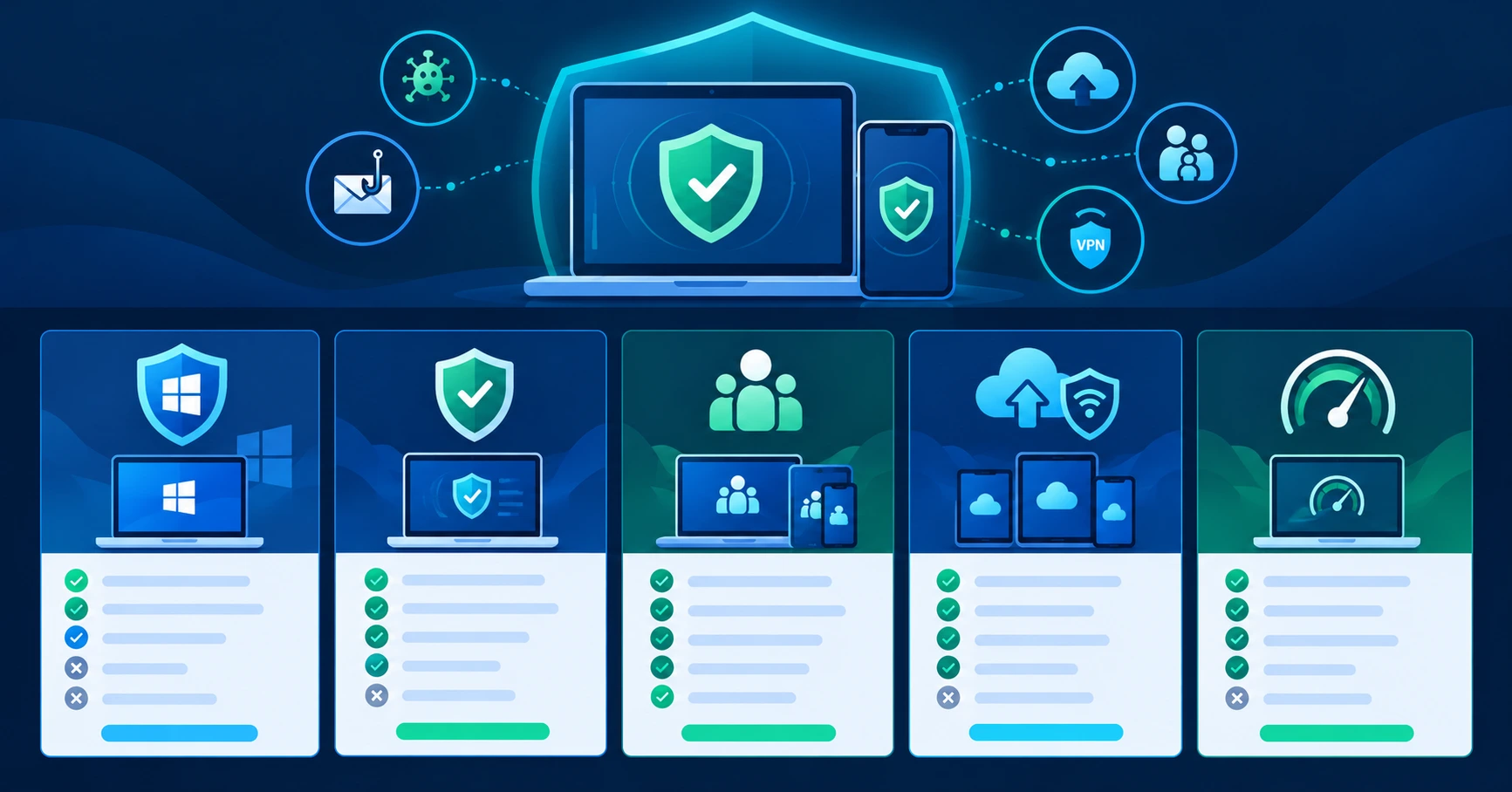
These prices are U.S. examples and can change with promotions, billing terms, and regional availability. Bitdefender lists Antivirus Plus at $24.99 for one device and Total Security at $59.99 for five devices in its U.S. store. Norton’s pricing page lists Norton 360 Deluxe at $49.99 for five devices in the first year, renewing at $124.99. CNET lists Malwarebytes Standard at $45 per year for one device and $60 per year for three devices.bitdefender+2
Microsoft Defender: The Free Windows Baseline
Microsoft Defender is already installed on Windows 10 and Windows 11. It provides real-time malware scanning, cloud-assisted protection, behavior-based detection, warnings for unsafe downloads, and ransomware protection through Controlled Folder Access. Microsoft also says Defender automatically turns off if you install another antivirus and turns back on if that software is removed.microsoft+1
In AV-TEST’s August 2026 Windows 11 test, Defender earned 6/6 for protection, 5.5/6 for performance, and 6/6 for usability. That is 17.5 out of 18, enough for AV-TEST’s Top Product award.av-test
It is a strong starting point if you keep Windows and apps updated, use a browser password manager or another trusted password manager, enable two-factor authentication, and back up important files. The trade-off is that Defender does not bundle the broader privacy and family features that paid suites often include.
The honest caveat: do not install a second antivirus alongside Defender unless the product is designed to work that way. Windows manages this automatically, but running multiple real-time security engines can create conflicts or reduce performance.
Bitdefender: Best Balance of Protection and Performance
Bitdefender is a strong choice if you want paid protection without accepting a heavy performance hit. Its Antivirus Plus plan covers Windows, macOS, Android, and iOS, and includes scam protection, ransomware protection, web protection, and a VPN limited to 200MB per day per device.bitdefender
PCMag named Bitdefender Antivirus Plus an Editors’ Choice winner, citing strong independent-lab results, perfect phishing protection in its hands-on test, ransomware protection, and a hardened browser for banking. CNET also rated Bitdefender as a 2026 Editors’ Choice winner, tied with Malwarebytes for overall protection.pcmag+1
In AV-Comparatives’ February–May 2026 Real-World Protection Test, Bitdefender blocked 398 of 400 cases for a 99.5% protection rate. It recorded five false positives, while Microsoft Defender recorded zero.av-comparatives
These are Bitdefender’s listed U.S. prices, not permanent guarantees. The company says first-year prices can differ from renewal prices and that subscriptions renew automatically unless you opt out.bitdefender
The honest caveat: Bitdefender’s entry-level VPN limit may be too small for regular VPN use. If privacy is your priority, consider a standalone VPN instead of choosing an antivirus plan mainly for its bundled VPN.
Norton: Best for Families and All-in-One Features
Norton is best when you want one subscription to handle several security needs. Norton 360 Deluxe includes antivirus protection for five devices, a VPN, dark-web monitoring, a password manager, parental controls, and 50GB of cloud backup on Windows. Its U.S. first-year price is $49.99, renewing at $124.99.norton
PCMag named Norton AntiVirus Plus an Editors’ Choice winner and noted that it earned perfect scores from five independent labs. CNET rates Norton as its best antivirus for parental controls, especially because Norton Family can manage screen time, website access, and activity on children’s devices.pcmag+1
Norton’s protection results are also strong. AV-TEST’s August 2026 test gave Norton 360 a perfect 18/18 across protection, performance, and usability.av-test
The honest caveat: Norton is not the best pick for an older or low-powered PC if performance matters most. CNET notes that it uses more system resources than some competitors, though its scans are fast. Also check the renewal price before subscribing; Norton’s renewal price can be much higher than the promotional first-year price.norton+1
McAfee: Best for Many Devices and Data Cleanup
McAfee makes sense if you have many devices and want one subscription to cover them. CNET says McAfee offers unlimited device coverage on its plans, and its online account cleanup and data-broker removal tools are useful if you want to reduce your digital footprint.cnet
Its antivirus protection is also competitive. AV-TEST’s August 2026 test gave McAfee Total Protection a perfect 18/18 score. In AV-Comparatives’ February–May 2026 test, McAfee blocked 394 of 400 cases for a 98.5% protection rate and recorded four false positives.av-test+1
The main drawback is performance. CNET found that McAfee’s scans could consume a large share of CPU power, especially with fast scanning enabled, which can make the computer difficult to use during a deep scan.cnet
The honest caveat: McAfee is not the best choice if you edit video, play games while scans run, or use an older laptop. Choose it for multi-device convenience and privacy tools—not for the lightest possible system impact.
Malwarebytes: Best for Fast, Focused Protection
Malwarebytes began as a malware-removal tool and now offers a full antivirus product with real-time protection. CNET rates it as a 2026 Editors’ Choice winner alongside Bitdefender, citing low resource use, strong lab performance, and improved support.cnet
It is a good fit if you want a straightforward security app without a large bundle of extras. CNET lists its Standard plan at $45 per year for one device and $60 per year for three devices. Its higher-tier plans add identity protection and privacy tools.cnet
The honest caveat: Malwarebytes is not the best value if you need to protect a large household. CNET says its default individual plans cover three devices, so families with more devices may find Bitdefender or McAfee more practical.cnet
ESET: Best for Technical Users
ESET is worth considering if you want detailed control over your security settings. PCMag highlights ESET NOD32’s device-control features, exploit protection, and technical tools such as SysInspector. Its U.S. price is listed at $39.95 per year for one PC, with additional licenses available.pcmag
It is a practical choice for users who understand security settings and want to control USB devices, inspect system behavior, or manage a small number of PCs carefully. But it is not the simplest option for beginners.
The honest caveat: ESET’s basic antivirus product does not include a firewall, and PCMag notes that its hands-on malware results were weaker than its lab results. If you want an easy, feature-rich family suite, Norton or Bitdefender may be easier choices.pcmag
What Independent Tests Actually Show
AV-TEST scores products out of 6 in three categories: protection, performance, and usability. In its August 2026 Windows 11 test, Bitdefender, Norton, McAfee, Malwarebytes, and several others earned 18/18. Microsoft Defender earned 17.5/18 because it scored 5.5 for performance.av-test
AV-Comparatives tested 20 consumer products against 400 real-world malicious URLs from February to May 2026. Bitdefender achieved a 99.5% protection rate, Norton 99.3%, and Microsoft Defender 99.0%. Defender had zero false positives, while Bitdefender and Norton each had five.av-comparatives
The numbers show that several products protect very well. They also show why you should not choose based on one score: Malwarebytes had strong protection but a high false-positive count in this test, while Defender had the cleanest false-positive result but a slightly lower protection rate.av-comparatives
How to Choose Antivirus Software
Start with your device count and the features you need. A one-person Windows setup may not need a paid suite. A family with laptops, phones, tablets, and children may benefit from a suite with parental controls and cloud backup.
-
Decide how many devices you need to protect.
-
Check which operating systems you use: Windows, macOS, Android, or iOS.
-
Identify the features you will genuinely use, such as parental controls, VPN, backup, or identity monitoring.
-
Compare the first-year price and the renewal price—not just the advertised discount.
-
Check recent AV-TEST and AV-Comparatives results.
-
Look at performance impact, especially if you use an older PC or run demanding software.
-
Check the refund period and how to cancel automatic renewal.
-
Use the free trial where available before committing to a full year.
Bitdefender offers a 30-day money-back period and says subscriptions renew automatically unless you opt out. Norton says its subscriptions renew automatically and that its first-year price applies only to the introductory term. Read those terms before entering payment details.bitdefender+1
The Mistakes That Keep People From Choosing the Right Antivirus
The first mistake is assuming every paid antivirus is automatically better than Microsoft Defender. Defender earned Top Product status in AV-TEST’s August 2026 test and had zero false positives in AV-Comparatives’ February–May 2026 real-world test. It is a legitimate baseline, not merely a placeholder.av-test+1
The second mistake is buying a suite for a VPN, password manager, or identity protection you will never use. A bundled feature is only valuable if it replaces something you would otherwise pay for or genuinely need. Otherwise, you may be paying more for software you ignore.
The third mistake is comparing only first-year prices. Antivirus subscriptions commonly renew at a higher rate. Norton lists Norton 360 Deluxe at $49.99 for the first year and $124.99 on renewal, while Bitdefender lists Total Security at $59.99 first year and $109.99 on renewal.bitdefender+1
The fourth mistake is ignoring performance impact. A security suite that slows down an older laptop can make everyday work frustrating. CNET found that McAfee could use a large share of CPU during scans, while Bitdefender and Malwarebytes were lighter in its testing.cnet
The fifth mistake is treating antivirus software as a substitute for safe habits. Keep your operating system and apps updated, use unique passwords, enable two-factor authentication, avoid unknown downloads, and maintain backups. Antivirus software reduces risk; it does not eliminate it.
The Fastest Path to Better Protection
One Windows PC: Start with Microsoft Defender, Windows updates, two-factor authentication, and regular backups. Upgrade only if you need features such as a VPN, identity monitoring, or parental controls.
Two to five devices: Consider Bitdefender Total Security if you want a balanced paid option, or Norton 360 Deluxe if parental controls and cloud backup matter more. Compare the renewal price before choosing.
Many devices or a family: McAfee can make sense because of unlimited device coverage on many plans. Norton is also strong for families, especially if you want parental controls and backup. Check the exact plan’s device limit and regional feature availability first.
For a broader look at keeping your devices secure, see Eblowee’s guide to the best productivity tools in 2026.
What Comes Next
Antivirus software is becoming less about “virus scanning” and more about protecting people from scams, unsafe downloads, identity exposure, and risky apps. That makes bundled features useful—but only when they match your needs.
For most Windows users, Defender plus good security habits is enough. For families, multi-device households, and people who want extra privacy tools, a paid suite can be worth the cost.
Compare protection, performance, renewal pricing, and the features you will actually use. Then choose the simplest option that covers your real risks.
The window to secure your devices before the next scam reaches you is open right now — but it is not going to stay open forever.
One device. One protection plan. That is the formula.
Do I still need antivirus software in 2026?
If you use Windows 11, Microsoft Defender already provides real-time antivirus protection, web warnings, and ransomware protection. It is enough for many careful users. A paid antivirus suite makes more sense if you need parental controls, cloud backup, identity monitoring, or protection across several devices.
Is Microsoft Defender good enough?
For many Windows users, yes. AV-TEST gave Microsoft Defender 17.5/18 in its August 2026 Windows 11 test, including 6/6 for protection and usability. It also recorded zero false positives in AV-Comparatives’ February–May 2026 real-world test.
What is the best antivirus software for Windows 11?
Bitdefender and Norton are strong paid choices, while Microsoft Defender is an excellent free baseline. Bitdefender is a good balance of protection and performance; Norton is better for families that want parental controls, cloud backup, and a VPN. Choose based on your device count and the features you will use.